
Daggett County Court Calendars Explained
The official Utah Court Calendar lists scheduled district and justice court activity. A Daggett County search should test both “Manila District Court” and “Daggett County Justice Court.” The labels identify different court levels. District Court has general jurisdiction. Justice Court handles limited matters such as many traffic cases, infractions, Class B and C misdemeanors, and small claims. Searching only one location can miss a valid Daggett County setting in the other.
Utah Courts says these calendars update daily, and the legacy interface posts a weekday update around 5:00 a.m. The calendar is useful for the next listed event. It is not a complete case history. A hearing may be continued, and an old listing does not prove that the event occurred or that a disposition was entered. Check the Daggett County case lookup for indexed history and confirm urgent details with the court.
Daggett Justice Calendar Pattern
The Daggett County Justice Court generally meets on the second Wednesday and Thursday of each month, subject to change. The court may add sessions. This recurring pattern explains why local events may cluster on certain days, but it cannot replace the date listed for a specific case. The current order and calendar entry control.
Quick answer: Use the monthly pattern as context only. Call the justice court at 435-784-3216 to confirm a near-term Daggett County court date.
The official calendar’s search controls appear in the Utah Courts source view.
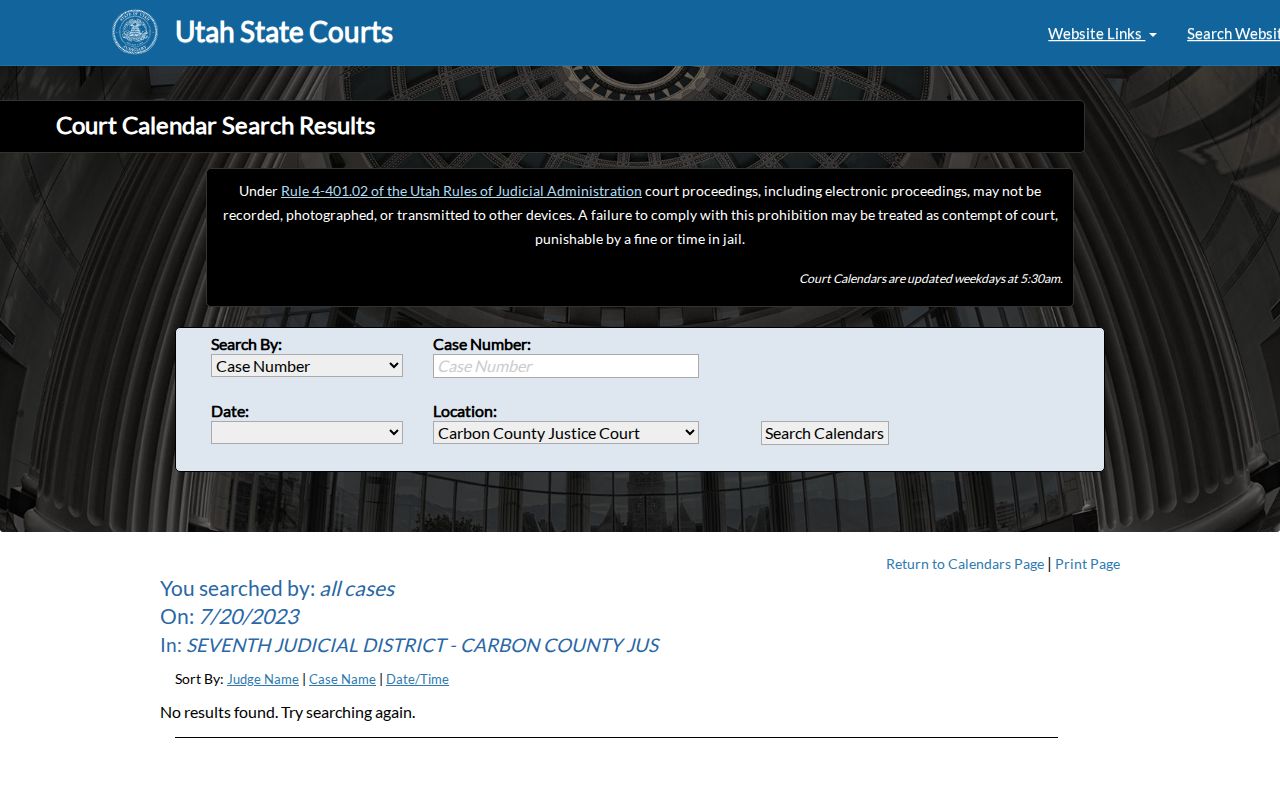
The tabs and location field show why the right court name and case identifier matter.
Finding Your Court Date
Start with the statewide calendar when the question is when and where a hearing is scheduled. Use a stable identifier if possible, then check through the local office before a close or recently changed appearance. Daggett County documents several access routes, and each route serves a different need.
- Open the Utah Court Calendar. Choose Case Number, Party Name, Judge Name, or Attorney, then choose a date and location.
- Search both Manila District Court and Daggett County Justice Court when the court level is unclear. Sort by Judge Name, Case Name, or Date/Time.
- Compare the event with Xchange case history or MyCase if authorized. Those systems provide context that a calendar line cannot.
- Call Justice Court at 435-784-3216 for justice settings, or the County Clerk at 435-784-3154 for district-clerk routing. A party’s attorney is also a direct source.
- For counter help, verify the Manila address by phone because official county and state pages publish different street formats. Ask about a printed calendar or public terminal.
The court-record request form, mail, fax, and email are documented copy channels, but they are not the fastest ways to confirm a same-day hearing. The Justice Court accepts some mailed payments, yet payment is also separate from calendar confirmation. Use the channel that matches the question.
Daggett County Webex Settings
Daggett County Justice Court advertises in-person and Webex attendance. Local directions say a small blue camera icon appears on the calendar notice on the morning of the hearing. Selecting it leads to the remote session. Because the control is tied to the setting, it may not appear days in advance.
- Calendar notice
- The scheduled-event listing for a hearing.
- Webex link
- The remote connection route posted for an online appearance.
- Setting
- A scheduled event, not a ruling or final result.
- Proceeding
- An event later recorded in the case history or minutes.
The official Webex tips cover audio, camera, and court conduct and prohibit recording, photographing, or transmitting proceedings. A remote link does not mean every participant may appear online. Attorneys and witnesses may receive different directions. Follow the court’s current order and ask the clerk if the mode is unclear.
How to Read a Court Setting
Read a Daggett County calendar line as a group of fields. Match the court and case first. Then read the event details. Similar names and related matters can produce more than one result, while an Eighth District judge may serve Daggett, Duchesne, and Uintah Counties.
| Date | The scheduled day; recheck it after any continuance request. |
|---|---|
| Time | The listed event or calendar-call time, not an estimate of when court will finish. |
| Courtroom | The assigned room, place, or remote method. Confirm where to appear. |
| Judge | The judicial officer assigned to the event. |
| Setting Type | The purpose, such as arraignment, pretrial, motion hearing, bench trial, or sentencing. |
A setting type describes the next procedural step. It does not state the outcome. For example, an arraignment handles a plea and future scheduling, while a trial setting marks the date set for evidence. Read the later case-history entry or minute record to learn what occurred.
Daggett Calendar Versus Case History
A court calendar and court docket answer different questions. The calendar answers when and where an event is scheduled. Xchange records indexed proceedings, filings, dispositions, and links to some public documents. MyCase gives eligible parties authenticated access to their own case. None should be used as if it were identical to the others.
| Channel | Best use | Main limit |
|---|---|---|
| Court Calendar | Upcoming district or justice setting | Not a full docket or document store |
| Xchange | Paid public case history | Some documents cost extra |
| MyCase | Free party-facing case access | Identity and eligibility required |
The Xchange access page depicts that broader search route.
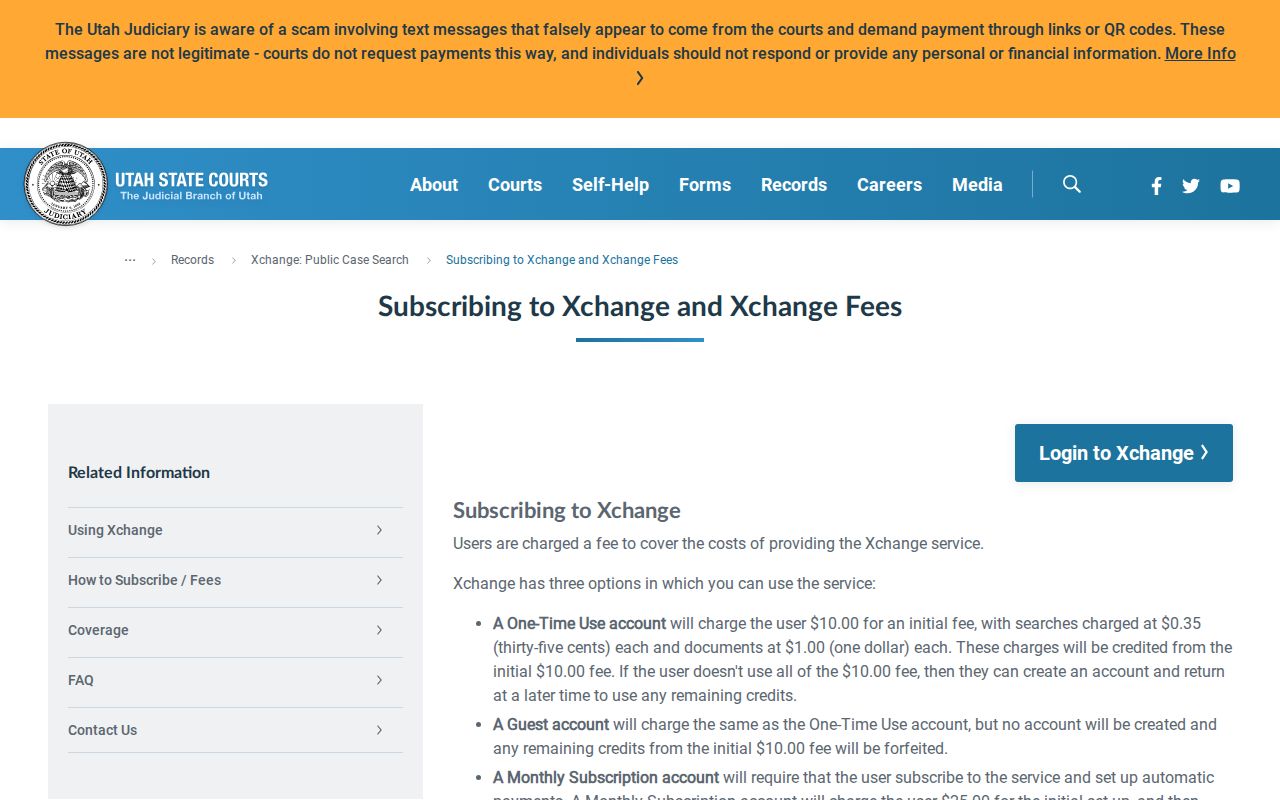
Xchange belongs in the case-history check, while the calendar stays the direct source for scheduled activity.
Continuances, Resets, and Cancellations
A continuance is a request or order that moves a setting. A request alone does not change the duty to appear. The Daggett County Justice Court FAQ directs users to contact the court about date and continuance issues. Until the request is granted and the setting changes, follow the existing notice.
A reset may appear as a new proceeding date in case history or as a replacement calendar line. A cancellation can remove an older event. Because local data appears in statewide tools after staff entry, phone confirmation is wise when a change is recent. Ask for the new date, time, court, attendance method, and whether written notice will follow. If counsel represents a party, counsel should confirm the change too.
Note: A Daggett County setting that disappears is not proof that the case was dismissed.
MyCase for Daggett Parties
The public calendar does not display each filed paper. Eligible parties may use Utah Courts MyCase to see case history, filed papers, financial information, and available electronic filing tools. Access requires an account, case number, identity verification, and a qualifying relationship to the matter. It is not an anonymous public search.
The official MyCase source illustrates the distinction between public scheduling and authenticated party access.
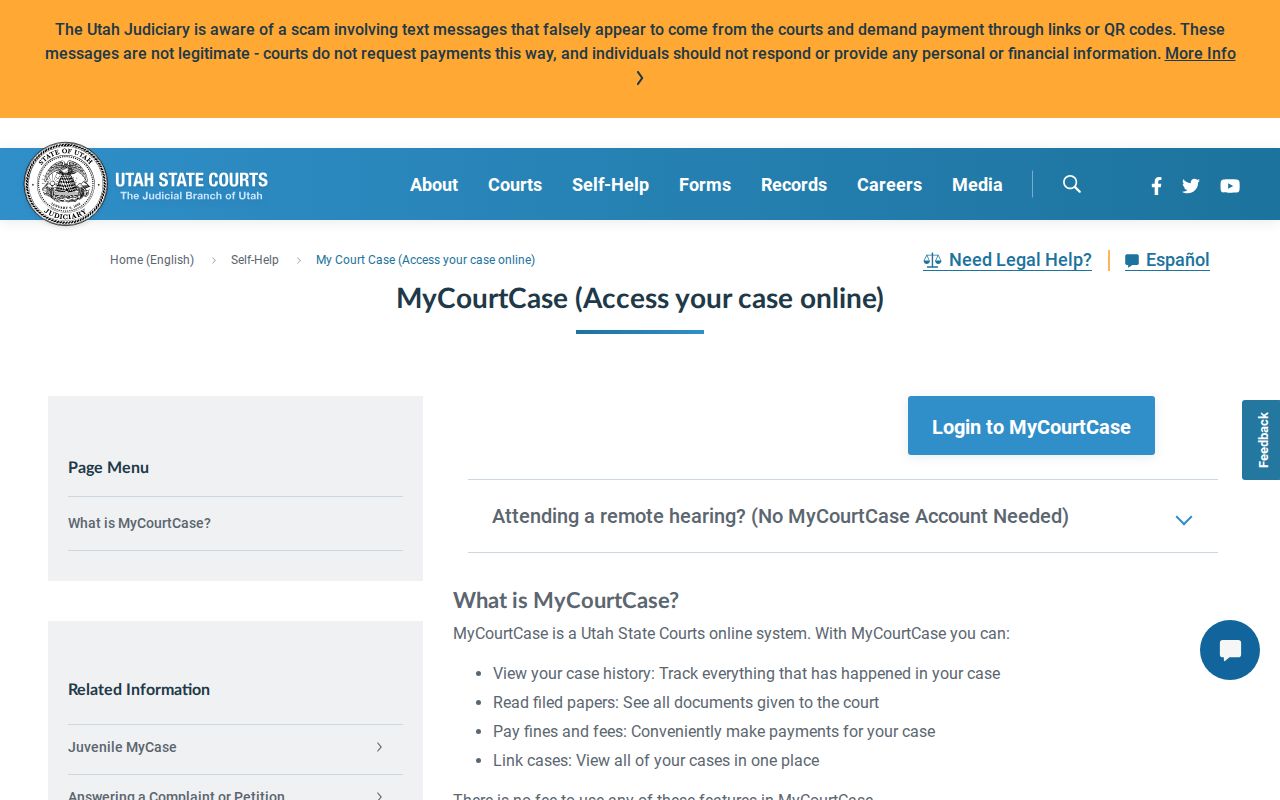
Parties can use that route for eligible details. Other users should rely on the Calendar, Xchange, and clerk channels.
If You Miss a Court Setting
Act promptly. Check the Daggett County calendar and case history, then contact the court that holds the case. Give the clerk the case number, party name, missed date, and location. Ask whether the court entered a new setting, order, or warrant. Do not assume that online payment cures a missed appearance or that a no-result screen proves no action was taken.
Missed a setting? Failure to appear can lead to a warrant or other court action, depending on the case.
Call the Daggett County Justice Court or district-clerk contact at once and contact counsel if represented.
Get current instructions before appearing, paying, or seeking a new setting.
The proper response depends on case type and any order entered after the missed event. A clerk can report the record and explain filing channels but cannot give legal advice. When a warrant or urgent deadline may exist, seek advice from a Utah-licensed attorney.
Daggett State and Federal Calendars
Utah’s Court Calendar does not cover federal dockets. A federal civil or criminal matter belongs in District of Utah PACER/CM/ECF, while bankruptcy uses the Utah Bankruptcy Court system. The federal Vernal location hosts monthly criminal proceedings, but its location page should not be read as proof of a full clerk’s office in Vernal.
PACER is the public federal access service. CM/ECF is the federal filing and case-management system. A federal docket entry may show a hearing date, but it is separate from the Daggett County state calendar. Use the PACER Case Locator if the federal court is unknown, and use District of Utah case information for the docket. State appeals and federal Tenth Circuit appeals also remain separate systems.